 Daniel Rojo, SEO Expert
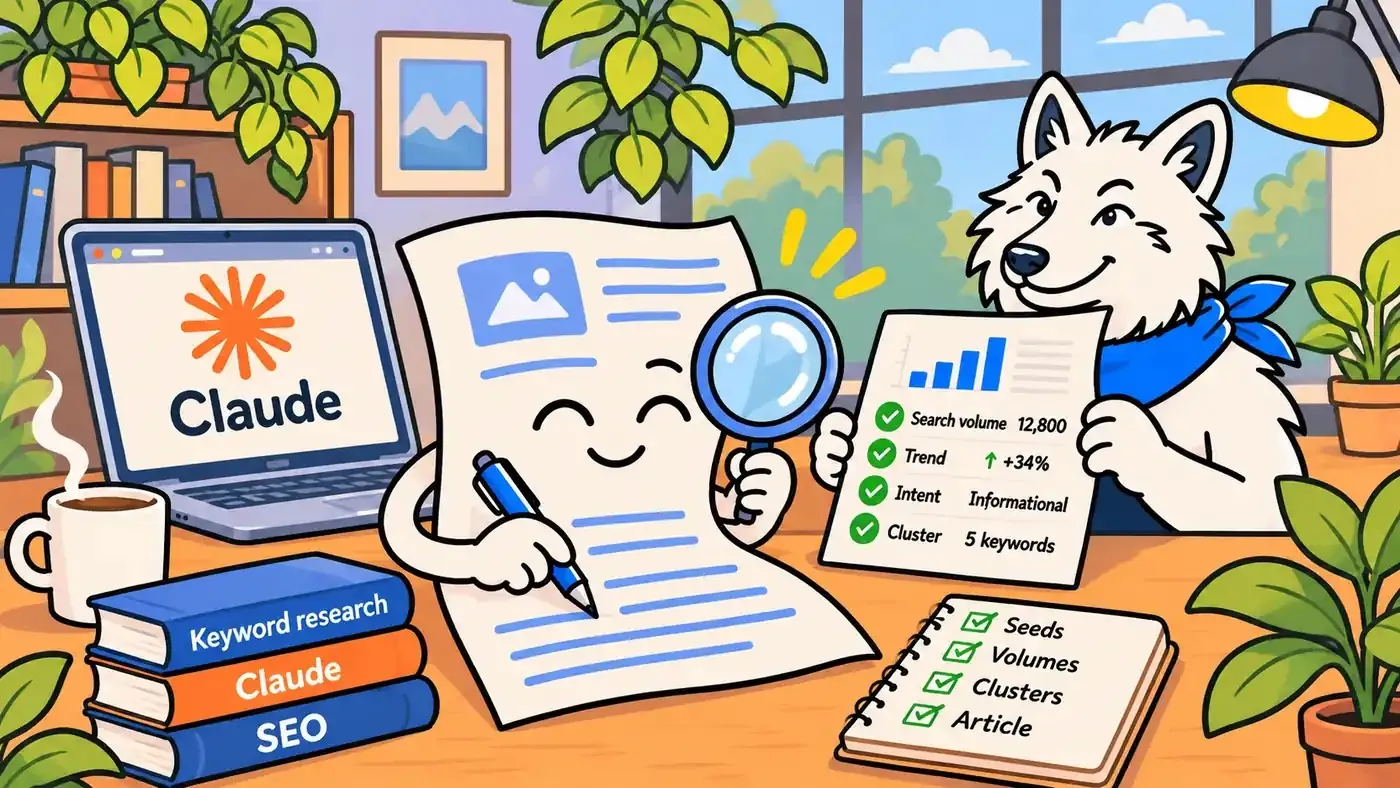
In our treasure hunter’s guide to keyword research, you drew the map yourself: five tools open in five tabs, a spreadsheet, a lot of copy and paste. It works. It also takes an afternoon. This time, we hand the measuring tape to an apprentice who never gets bored, and keep the shovel for ourselves.
AI keyword research is not about letting a chatbot guess what people search for. Language models are good at brainstorming phrases and terrible at knowing how often anyone types them. The trick is to connect Claude to a real search volume source, so it can do the tedious part (generating seeds, pulling volumes, sorting, clustering, checking coverage) while you make the decisions that actually need an SEO.
To prove it works, we did something slightly odd: this article researched itself. Every keyword decision you are about to read, from the title to the H2s, came out of the workflow described below, run live while we wrote it. You will see the prompts we used, the real numbers that came back, and the moments where the data told us to change our plan.
At Flowboost, we already use this setup on client work. In a recent multilingual site migration, it checked well over 1,000 keywords across several languages and markets in a single working session. Here is how to set it up and how to keep it honest.
What you need to automate keyword research with Claude
Three ingredients, one of them optional:
- Claude (the app, Claude Code or the API). It does the thinking: brainstorming seeds, reading the numbers, grouping keywords, writing the summary.
- A keyword data source Claude can call. We use the Firecrawl connector. Its data library, Alexandria, includes DataForSEO, which returns Google Ads search volumes by country and language for up to 1,000 keywords per call. DataForSEO also publishes its own MCP server if you prefer to connect it directly. Either way, the numbers come from Google Ads, not from the model’s memory.
- Your own data (optional, but recommended). A Google Search Console export, your sitemap or a list of your existing articles. This is what lets Claude spot keywords you already rank for and topics you have already covered.
A note on cost. In our setup, a volume call is listed by DataForSEO at around $0.09, whether it carries 10 keywords or 1,000. Firecrawl charges its own credits on top, depending on your plan. Check both before you run anything at scale, and batch your keywords instead of sending them one by one.
Apply this yourself
Open Claude, check which connectors you have under settings, and ask it: “Which tools do you have that can return keyword search volumes?” If the answer is none, connect a data source before you go any further. Without one, every number Claude gives you is a guess.
The workflow, step by step:
The workflow has seven steps: six before you write and one after. For each one, you will find the prompt we used and what happened when we ran it for this very article.
Step 1: Let Claude get to know your website
Before any keyword talk, Claude needs to know the site it is researching for. We always start the same way: ask what it already knows, hand it the sitemap, and let it crawl.
Do you know flowboost.com? Tell me briefly what you think we do.
Here is our sitemap: https://flowboost.com/sitemap.xml
Crawl it and give me a list of every page and article, with its main topic.
Why ask first? Claude’s own knowledge of a site can be outdated or simply wrong. Its answer shows you what it assumes, so you can correct it before those assumptions end up in your research. The crawl then replaces assumptions with facts. With a crawling tool connected (we use the same Firecrawl connector), Claude reads the live pages, not its memory.
Once it knows the site, we add the brief:
I'm planning a blog article about automating keyword research with Claude.
Audience: in-house marketers and SEO specialists. Market: United States, English.
Before we look at any numbers, tell me which existing articles and landing pages could overlap with this topic.
What happened: Claude crawled our blog, mapped more than 40 articles and flagged two straight away: Claude Skills for SEO and our treasure hunter’s guide to free keyword research tools. Keep those two in mind. They change our keyword choice in step 5.
Note: here, we asked Claude to research this article itself, as an example. In practice, you can ask it to carry out keyword research and mapping for your entire website, and to create a content calendar for your blog.
Step 2: Brainstorm seeds and pull real search volumes in one go
This is where a language model genuinely shines. It knows how people phrase things, including the clumsy, half-finished ways real people type into Google. With a data source connected, it can then check every idea against real numbers in the same request.
Brainstorm 30 seed keywords a person might search when they want to use AI or Claude for keyword research. Mix short and long-tail. Include tool names, questions and "how to" phrasings.
Then get the monthly search volume for all of them in the United States, English, in one call.
Return a table sorted by volume. Don't estimate any volume yourself: only use the data tool.
What happened: Claude came up with 32 seeds, from “ai keyword research” and “automate keyword research” to “dataforseo mcp”, “keyword clustering” and “chatgpt prompts for keyword research”, and pulled their volumes in a single call that took a couple of seconds. The full results are in the next section. The short version: most AI-related keyword research terms are small (10 to 140 searches a month), a few adjacent topics are much bigger, and one keyword was growing fast.
Note the last line of the prompt. Brainstorming and measuring can happen in one request, but they must stay two different jobs: the model invents the ideas, the data tool supplies the numbers. If no data tool was called, there are no volumes.
Step 3: Read the trend, not just the average
A 12-month average hides direction. Ask Claude to compare the oldest and newest months.
Which of these keywords grew or shrank the most over the last 12 months? Show the first and last month.What happened: “claude seo” averages 720 searches a month, but it went from 10 in November 2025 to 1,300 in October 2026. “dataforseo mcp” went from 110 to 260. Both tell you something the average does not: this topic is getting bigger, quickly.
Step 4: Match intent and pick the primary keyword
Volume alone picks the wrong keyword surprisingly often. Ask Claude to label the search intent and check each candidate against your existing content.
For every keyword above 30 searches, label the intent (informational, commercial, navigational) and tell me if one of our existing articles already targets it. Then suggest one primary keyword and five secondaries for this article.What happened: the obvious pick, claude seo (720), was the wrong one. It is broad, and our Claude Skills article already lives there. Targeting it twice would make two of our own pages compete. The same goes for its close cousins claude for seo (70) and how to use claude for seo (30): Google Ads lists them separately, but the intent is identical, so they belong to the same page. keyword research tool (3,600) and how to do keyword research (880) were also out: one is a tools roundup, the other is our treasure hunter’s guide.
That left two close candidates: ai keyword research (70) and how to use ai for keyword research (50). In Google Ads terms, those volumes are practically the same. The difference is intent: ai keyword research has a cost per click of around $27, a sign that many of its searchers want a tool, while how to use ai for keyword research is a pure how-to search, exactly what this article is. So the how-to version became the primary keyword, and ai keyword research stays as a secondary the page can rank for along the way.
Step 5: Cluster the rest and map it to headings
Ask Claude:
Group the remaining keywords into clusters and assign each cluster to an H2 of the article.
Keep one keyword per heading. Flag anything that deserves its own article instead.
What happened: how to use ai for keyword research (50) became the primary keyword, in the H1 and title. automate keyword research (40) went into the “what you need” H2. dataforseo mcp (210) and keyword clustering (390) were flagged as their own future articles, because squeezing them in here would serve neither well.
Apply this yourself
Run steps 1 and 2 for one topic you are planning this month. It takes about ten minutes.
Before you look at the volumes, write down which keyword you think will win. Then compare.
In our case, the guess (claude seo) and the right answer (how to use ai for keyword research) were not the same.
Step 6: Let Claude check its own homework
Once the draft is written, run one more prompt before you publish:
Here is the final draft and the keyword list. For each keyword, tell me whether it appears in the title, H1, meta description or body, exactly or as a natural variant.
List anything missing and suggest one natural sentence to fix it. Don't force anything that reads badly.
On client sites, this step catches the gaps that slip through after three rounds of edits. When we ran it on a 62-page website, it found about 20 keywords worth adding and, just as useful, more than 80 low-volume long-tails that were not worth forcing into the copy.
The results: this article’s own keyword research
Here is what the workflow returned for this article, and what we did with each keyword. Volumes are Google Ads monthly averages for the United States over the last 12 months, pulled on 12 November 2026.
| Keyword | Monthly searches (US) | Decision |
|---|---|---|
| keyword research tool | 3,600 | Not targeted: commercial intent, belongs to a tools roundup |
| how to do keyword research | 880 | Not targeted: covered by our treasure hunter’s guide |
| claude seo | 720 | Not targeted: our Claude Skills article already owns it |
| keyword clustering | 390 | Parked: deserves its own article |
| dataforseo mcp | 210 | Mentioned briefly, parked for its own article |
| ai keyword research tool | 140 | Mentioned, but intent is commercial |
| ai keyword research | 70 | Secondary: intro and body; similar volume, but mixed intent |
| claude for seo | 70 | Not targeted: same intent as claude seo, belongs to the Claude Skills article |
| how to use ai for keyword research | 50 | Primary keyword: H1, title, meta |
| automate keyword research | 40 | Secondary: “what you need” H2 |
| how to use claude for seo | 30 | Not targeted: same intent as claude seo |
| claude keyword research | 10 | Secondary: covered by the variant “keyword research with Claude” |
Would we normally build an article around a 50-search keyword? For a brand-new topic, yes. The niche is young and growing, the intent is an exact match, and a page that owns a small, precise keyword today is well placed when the topic grows. It is the compound SEO logic again: many small, winnable coves rather than one crowded island.
What the research decided for this article:
- SEO title: How to Use AI for Keyword Research (with Claude)
- Slug: /blog/ai-keyword-research-claude
- Meta description: How to use AI for keyword research with Claude and real search volume data: a step-by-step guide with prompts, using this article as the live example.
- Primary keyword: how to use ai for keyword research
- Secondary keywords:
- ai keyword research
- automate keyword research
- claude keyword research
Five traps in automated keyword research (and how to avoid them)
Automation makes keyword research faster. It also makes it easier to be confidently wrong at scale. These are the five traps we actually ran into, not theoretical ones.
- The numbers are ranges, not counts. Google Ads rounds volumes into buckets: 10, 20, 30… 590, 720, 880. A keyword showing 720 is somewhere in that bucket, not exactly 720. Treat two keywords at 590 and 720 as roughly equal, not as a winner and a loser.
- Close variants share one number. Google groups near-identical phrasings. zuurdesembrood and zuurdesem brood came back with exactly the same 5,400 searches in Belgium, as did patisserie bruxelles and pâtisserie bruxelles (1,600). Never add those numbers together, or your traffic estimate doubles out of thin air.
- Batches can bend the results. On client work, a large batch full of close variants once returned a head keyword at roughly a tenth of its real volume. Checked on its own, the number was back where it belonged. If a figure looks odd, ask Claude to re-check that keyword alone before you build anything on it.
- Language settings barely change volumes within a country. In Belgium, boulangerie bruxelles returned 2,400 searches whether we asked for French or Dutch. Google Ads mostly splits by location, not by the language people search in. So for multilingual sites, measure each language where its searchers actually live (more on that below).
- “No data” is not zero. A dash means Google Ads had no figure to give, often because the keyword is too small or too new. It does not mean nobody searches for it. keyword research with claude showed no searches at all for four months last winter, then a steady 10 a month.
Apply this yourself
Add one line to every research prompt: “Flag any volume that looks inconsistent with similar keywords, and re-check it on its own.” It costs one extra call and has already saved us from building a page around the wrong number.
And one trap that is not technical: Claude will happily give you volumes from memory if you let it. They sound plausible and are usually wrong. If no data tool was called, there is no data.
Where automation really pays off: multilingual keyword research
One article in one language is a nice demo. The real time saving shows up when you need the same research in five languages. That used to mean five native speakers, five tool exports and a week of spreadsheets.
Here is an example based on a recent SEO migration. To protect our client’s confidentiality, we have swapped the business for a bakery in Brussels, with a website in French, Dutch and English. Every number below is real Google Ads data, pulled the same way as the rest of this article. The question for every page was simple: what do people actually search for, in each language, in the place where they search?
| Language | Market measured | Keyword | Monthly searches |
|---|---|---|---|
| French | Belgium | boulangerie bruxelles | 2,400 |
| Dutch | Belgium | bakkerij brussel | 260 |
| English | Belgium | bakery brussels | 260 |
| English | United Kingdom | bakery brussels | 50 |
| English | United Kingdom | brussels waffles | 720 |
Three things the automated research caught that a literal translation would have missed:
- The local language wins locally. In Belgium, boulangerie bruxelles gets about nine times the searches of bakkerij brussel or bakery brussels. For a Brussels bakery, the French pages carry the site.
- Measure where the searchers live. Visitors planning a trip search from home. From the United Kingdom, bakery brussels gets 50 searches a month, but brussels waffles gets 720. The English pages should speak to what travellers actually look for, not just translate the French homepage.
- Translation is not research. The English word sourdough returned no data at all for Brussels. In French, people search pain au levain (1,900); in Dutch, zuurdesembrood (5,400). And a croissant page would barely move the needle: croissant bruxelles gets 20 searches, while the Flemish word for viennoiseries, koffiekoeken, gets 2,900. Claude can flag candidates like these; a native speaker should always have the final word.
Combine SEO and Google Ads data for sharper keyword research
Search volumes tell you how often people search. They don’t tell you which searches turn into customers. If you also run Google Ads, you are sitting on that answer: the search terms report lists the real queries people typed before they clicked your ad, with clicks, cost and conversions attached. Google Search Console holds the other half of the picture: the queries your site already appears for in organic search, with impressions, clicks and average position.
Put the two side by side and the gaps show up on their own. With the Flowboost MCP, Claude can fetch your Google Ads data through Wolfy, our Google Ads agent, including the context and insights Wolfy already has about the account. Add your Search Console data, through a connector or a simple export, and Claude can match the two in one conversation. Nothing goes live without your approval, and for research you only need to read.
Three gaps we look for:
- Converting terms with little or no organic visibility. Search terms that convert well in Ads, but barely appear in Search Console, are your strongest candidates for new content. You already know they bring customers.
- Converting terms stuck on page two. Where Search Console shows impressions but an average position beyond 10, a better page or a stronger internal link can move you up. Until it does, ads keep filling the gap.
- Paid clicks you could earn for free. Terms where you already rank in the top three organically, but keep paying for clicks, are worth a second look. Our article on how PPC and SEO work together goes deeper into that balance.
Cost per click adds one more layer. It shows what advertisers pay for a click, which hints at commercial value. In this article’s own research, ai keyword research tool had a top-of-page bid of around $43, against roughly $18 for claude seo, even though claude seo gets five times the searches. The smaller keyword is worth more per click.
This is the prompt we use, with the Flowboost MCP connected:
Ask Wolfy for the search terms that converted in [account] over the last 90 days, plus the account context.
Compare them with our Google Search Console queries for the same period.
Show me three lists: converting terms with no or few organic impressions, converting terms where our average position is beyond 10, and terms where we rank in the top 3 organically but still pay for clicks.
Apply this yourself
Connect the Flowboost MCP, pick one account and give Claude your Search Console data for the last 90 days. Run the prompt above and start with the first list: converting terms with no organic visibility. That list is your first data-backed content plan.
Reusable prompts for AI keyword research
Copy these, swap the brackets, and you have the core of the workflow.
Get to know the site
Do you know [domain]? Tell me briefly what you think we do.
Here is our sitemap: [sitemap URL]. Crawl it and list every page with its main topic.
Seeds
Give me 30 seed keywords people might search for [topic], in [language], for [market].
Mix short and long-tail. Include questions. Don't estimate volumes.
Volumes and trend
Get monthly search volumes for these keywords in [country], [language], in one call. Sort by volume and show the first and last month of the past 12 months for anything above 50.
Flag any number that looks inconsistent and re-check it on its own.
Intent and cannibalisation
Label the search intent of each keyword. Compare them with these existing URLs: [list].
Tell me which keywords an existing page already targets, and pick one primary keyword for the new page.
Translation check
For each English keyword below, give the 2–3 ways a native [language] speaker would actually search for it, then check the volumes in [market]. Don't translate literally if the literal version has no volume.If you run these often, turn them into a Claude Skill, so your whole team runs the same process with the same rules every time.
Let the apprentice measure, you decide where to dig
AI keyword research does not replace SEO work. It replaces the copy-and-paste. Claude brainstorms faster than any of us, pulls a thousand volumes in seconds and never gets bored of checking the same list twice. What it cannot do on its own is know that one of your pages already owns a keyword, that a client stopped offering a service last month, or that a perfectly translated keyword is not what locals actually type.
That split is the whole point. Let the apprentice measure the coastline. You decide where to dig.
This article is the proof: a primary keyword we would not have picked by instinct, three keywords we deliberately left alone, and two parked for articles of their own. If you want help building this into your own SEO workflow, or you want a multilingual keyword strategy, talk to us.
Frequently asked questions
Can Claude do keyword research on its own?
Claude can brainstorm keywords, label search intent and cluster topics on its own. It cannot know real search volumes from memory. Connect it to a data source such as DataForSEO, through a connector or an MCP server, and it can pull Google Ads volumes for you.
How do you use Claude for SEO keyword research, step by step?
Ask what it knows about your site, give it your sitemap and let it crawl, then brief it with your topic and market. Let it brainstorm seeds, pull real volumes in one batch, read the 12-month trend, check intent against your existing pages, and cluster the rest into headings. After writing, ask it to check the draft against the keyword list.
Is AI keyword research accurate?
It is as accurate as the data behind it. With a real source, you get the same Google Ads volumes the big tools use, including their limits: rounded ranges and grouped variants. Without a data source, the numbers are guesses.
Is Claude good for SEO beyond keyword research?
Yes, for repeatable, rules-based work: title tags, content briefs, audits, internal linking suggestions and reporting. Our guide to Claude Skills for SEO covers how to make those processes consistent across a team.
How much does automated keyword research cost?
In our setup, DataForSEO lists a search volume call at around $0.09, for up to 1,000 keywords, plus your connector's own credits and your Claude plan. Prices change, so check your providers before running research at scale.